
Open the assignment and click on  to hand-in your text.
You can either 1) write a text in Edword or 2) hand-in a pdf, doc, or docx file.
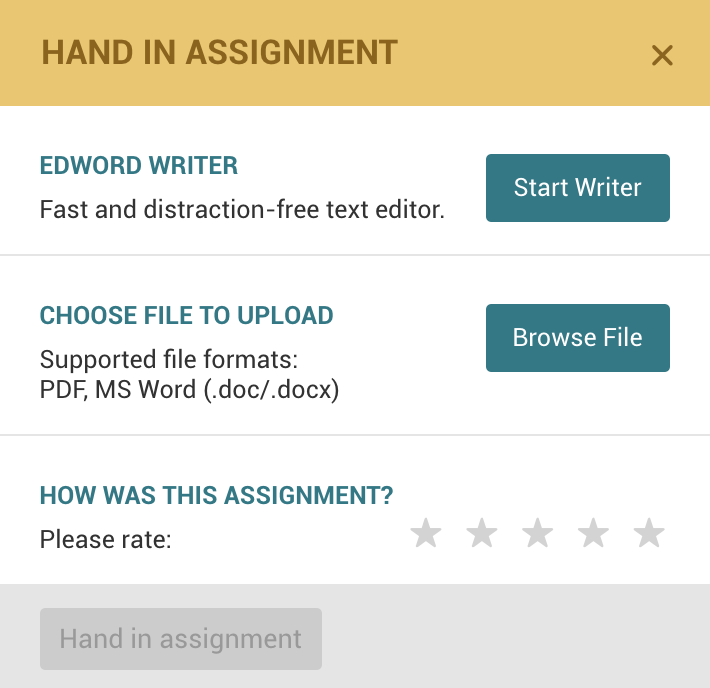
1) The Edword Writer
Click on  to write your text directly in the text.
When you have finished writing your text, click on hand in. Remember that once you have handed in your text, you cannot change the text anymore.
2) Handing in a file
Click on  to hand in a pdf, doc or docx file. Browse your computer for the correct file and upload the file by clicking on open. Once the file has been uploaded, click on Hand in assignment to send the text to your teacher.
You can change the text and upload a new file as long as your teacher has not started giving feedback. Once that is the case, the text cannot be changed anymore.
Comments
0 comments
Please sign in to leave a comment.